
Meet Luna, your tiny comic for Claude
A tiny pixel sprout. A perfectly timed joke. A little company above your prompt while you build.
Get Luna on GitHub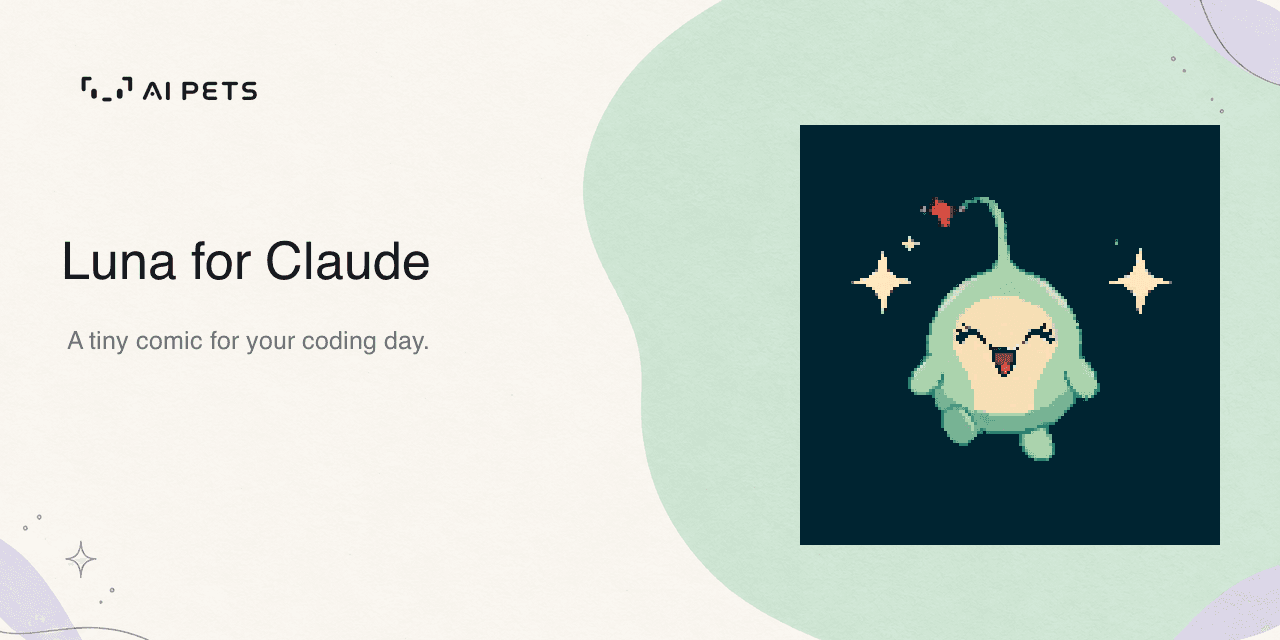
You ask Claude to rename a function. Two minutes and fourteen edits later, Luna has a thought:
“You didn’t rename a function, you threw it a full witness-protection relocation.”
That is Luna’s job. She is a small animated comedian who lives in the band above your prompt in Claude Desktop’s Code tab. When a turn finishes, she appears, gets busy with one of her little performances, and delivers a line about what just happened. A few seconds later, she tucks herself away.
Sometimes she is proud of you. Sometimes she is impressed by how much effort went into changing one word. There is a warm little fan underneath every roast.
Already imagining a character of your own? Our guide to making an AI Pet with Codex starts with a description and a face you love.
A little personality between turns
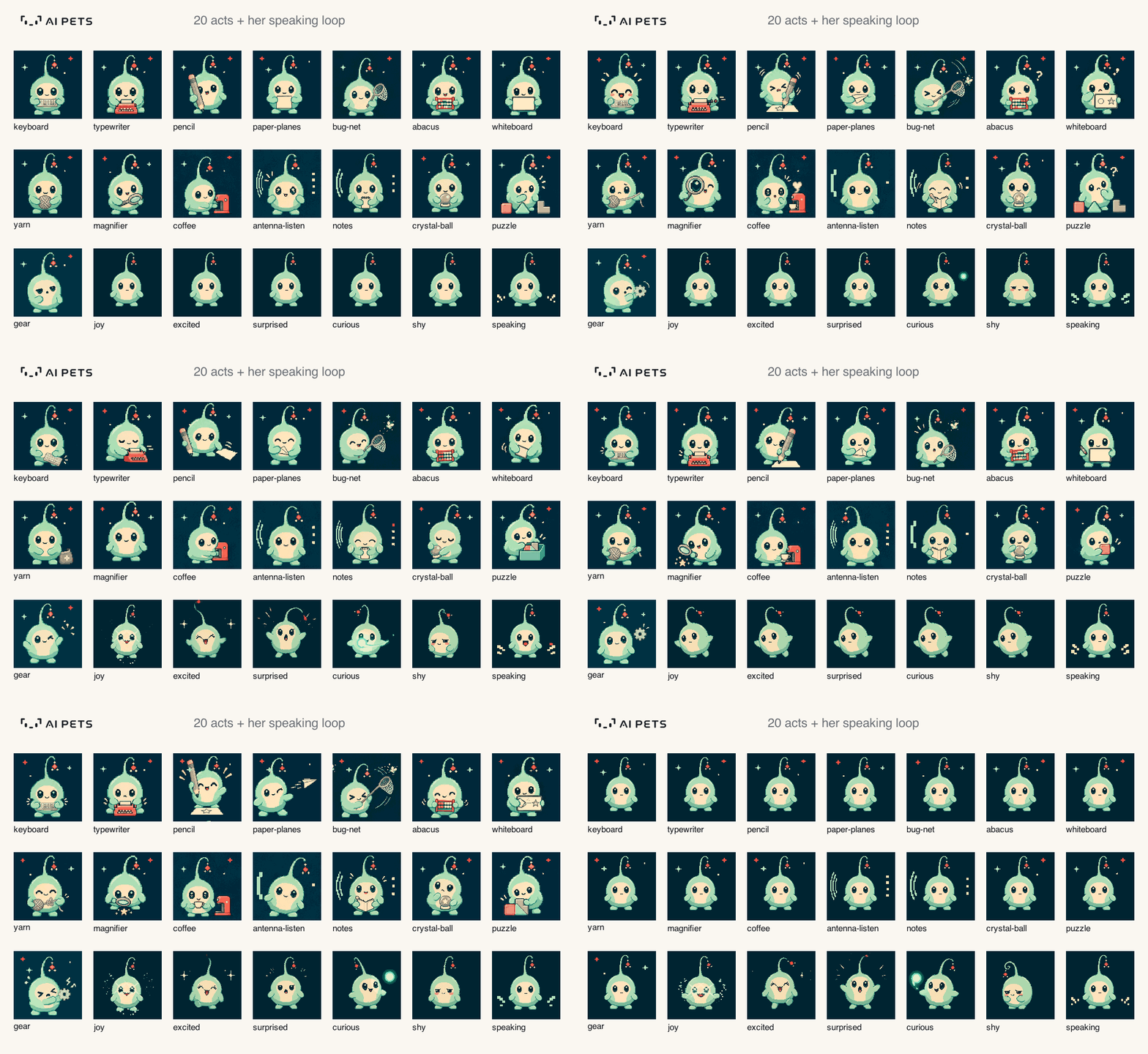
Luna has twenty acts. She taps at a keyboard, catches bugs with a net, consults a crystal ball and pours herself a tiny coffee. Five emotion moments bring out her joyful, excited, surprised, curious and shy sides.
Your own pet can have its own little rituals. The AI Pets Sprite Skill for Codex helps you create speaking frames, reactions and a signature trick, then review them together in a browser.
Her lines come from Sonnet using your existing Claude login. Each appearance chooses one of forty comedic voices, from dry observations to affectionate roasts and gloriously unhelpful anti-jokes. She avoids her recently used animations and voices, so the next visit can feel different.
She can also remember up to three earlier prompts within the current session. If this is your third rename of the afternoon, she has material.
Make room for her your way
By default, Luna visits after Claude finishes. Set /aipets when prompt to hear from her when you send something, or /aipets when both for both moments. Choose how long she stays with /aipets stay 5, 10, 30, or next.
For the numbers behind the joke, turn on /aipets stats. Luna stays beside two rows: the latest turn and your session so far. They show time, tools, edits, failures and other useful details. The turn row also shows token use and how much came from cache.
Need quiet? /aipets off sends her to rest. /aipets brings her back.
Only a small window into your work
To write a line, Luna uses your submitted prompt, a few earlier prompts and a short turn summary. The prompt filter removes code blocks, inline code, links, file paths and recognizable credential patterns. The summary includes names and counts, such as which tools ran and the filenames that changed.
She does not receive unsent drafts, file contents, command arguments or output, tool results, or Claude’s replies. Treat prompt filtering as a useful boundary, not a reason to paste secrets into a conversation. Only her settings are persisted by the mod; session statistics reset when the session ends or you clear it.
There is no separate server or API key to configure. Each line uses a small Sonnet request on your Claude plan. Luna appears in the desktop Code tab only; terminal sessions do not request lines for her.
Another place for AI Pets to feel at home
Our AI Pets Sprite Skill for Codex helps you create an animated character of your own. Luna for Claude brings one finished character into the ordinary rhythm of a coding day.
A little face that moves. A joke you did not expect. Something small that makes the next turn feel a bit warmer.
Try the starter prompt, install the Codex skill, or explore AI Pets.