
Build · 8 minute read
Building an ESP32 AI Pet: Hardware, Voice, and Character Design
An ESP32 AI pet is a compact way to combine embedded hardware, voice AI, and character animation. The microcontroller gives the companion a responsive body while a secure cloud pipeline handles computationally heavy speech and language models.
Updated August 20, 2026
Choose hardware around the interaction
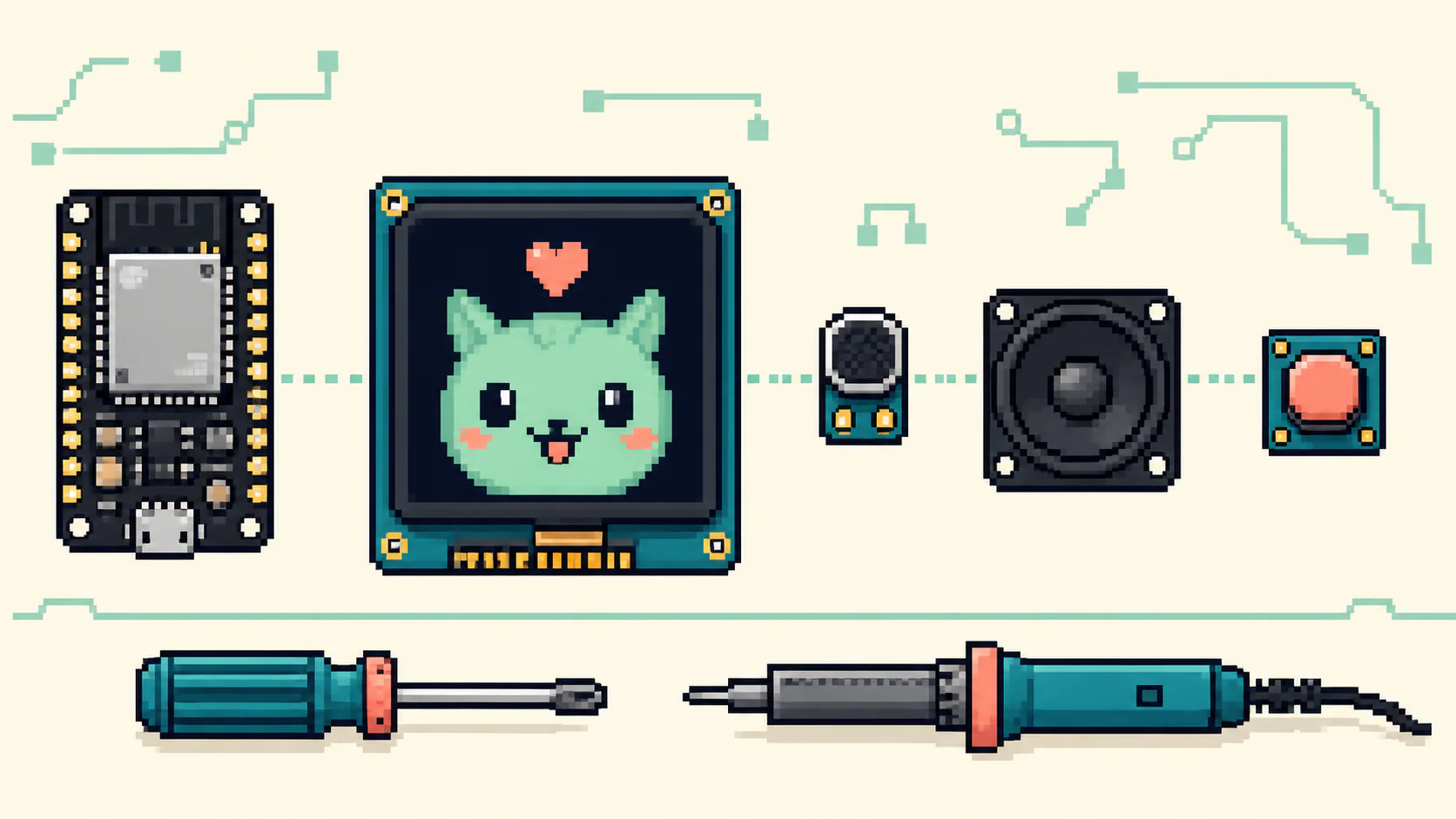
Start with the moment you want: press, speak, hear a reply, and see the face react. That points to a microcontroller with Wi-Fi, enough memory for audio buffers and animation assets, a microphone, speaker output, a small display, and at least one deliberate input such as touch or a button.
AI Pets uses an ESP32-S3 device with a 240 × 240 expressive face. The device is responsible for the parts that must stay responsive: input, connection state, animation, audio playback, cancellation, and returning to idle. Large speech and language models remain in the cloud rather than being presented as on-device inference.
Treat the face as a runtime, not a GIF
A believable pixel face needs more than a speaking loop. Idle motion, blinking, gaze, speech mouth shapes, emotion, touch reactions, and transitions all need to coexist without fighting for the same pixels. A deterministic face pack makes the same character render consistently in authoring tools, browser previews, and firmware.
Full-frame expressions are useful for strong performances, while reusable facial regions make natural speech and gaze efficient. The runtime needs clear priorities so a cancellation or error state can interrupt an expression and settle safely.
- Keep idle, listening, thinking, speaking, and error states explicit
- Synchronize mouth energy with real playback rather than a timer
- Validate face packs before installation and report installed IDs
- Test the exact renderer used by both browser previews and hardware
Use a versioned cloud contract
The ESP32 and cloud service need a small, documented protocol for hello messages, device health, audio, expressions, settings, and errors. Each connection should report firmware, hardware, installed faces, and the last confirmed settings version. The cloud can then send only compatible settings and detect drift.
Settings should use compare-and-swap behavior: the device and admin agree on the version they are changing. This prevents a local face change and a cloud volume change from silently overwriting one another. The cloud remains authoritative for the AI identity while the device can still report a locally selected visual face.
Test a complete turn, not only components
Unit tests for audio conversion and protocol messages are necessary, but a launch test must include a real device and a real voice turn. Verify TLS, authentication, exactly one session, recording, transcription, model response, audio playback, expression timing, cancellation, telemetry, revoke, and reconnect.
Keep the previous gateway available during a soak period. A cloud deployment can look healthy while a physical pet exposes settings drift, network recovery problems, or audio timing issues. A rollback target turns those discoveries into fixes instead of emergencies.